Smart Screen Repair: Fixing Common Issues at Home
Are you tired of dealing with a damaged smart screen and not knowing how to fix it? Look no further, as we have the solution for you! With a few simple tools and some basic know-how, you can easily repair common issues with your smart screen right at home.
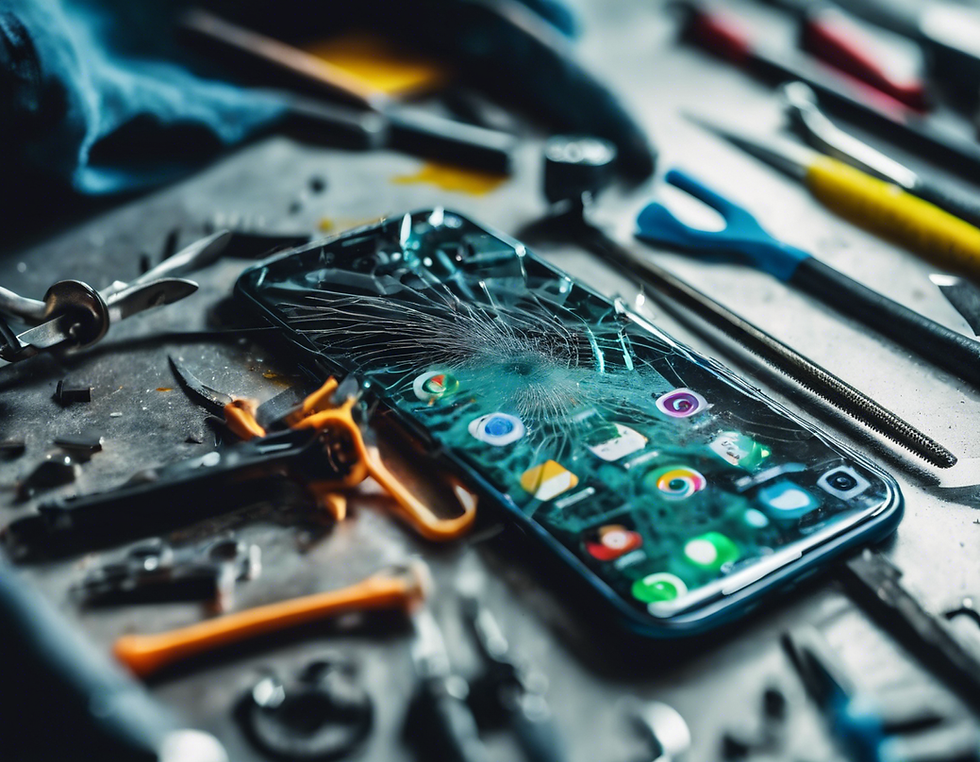
One of the most common problems with smart screens is cracked or broken glass. To fix this issue, start by removing any remaining glass fragments from the screen using a gentle touch. Next, apply a small amount of adhesive to the cracked area and carefully place a new piece of glass on top. Press down firmly and let it dry according to the adhesive instructions. Your smart screen will look good as new in no time! Another frequent issue is a non-responsive touch screen. This can be frustrating, but fear not - there's a simple fix. Begin by turning off the device and removing any protective case. Gently clean the screen with a microfiber cloth to remove any dirt or debris that may be causing the issue. If the problem persists, try resetting the device to its factory settings. This should recalibrate the touch screen and resolve any unresponsiveness. If your smart screen is displaying strange colors or lines, a loose or damaged cable may be the culprit. To address this, turn off the device and carefully open the back panel to access the screen cables. Check for any loose connections or signs of damage, and reattach or replace the cables as needed. Once everything is secure, reassemble the device and power it on to see if the issue has been resolved. By following these simple steps, you can save time and money by fixing common smart screen issues at home. Remember, if you ever feel unsure or uncomfortable tackling the repair yourself, it's always best to seek professional help. Stay tuned for more DIY tips and tricks to keep your devices in top shape!


Comments